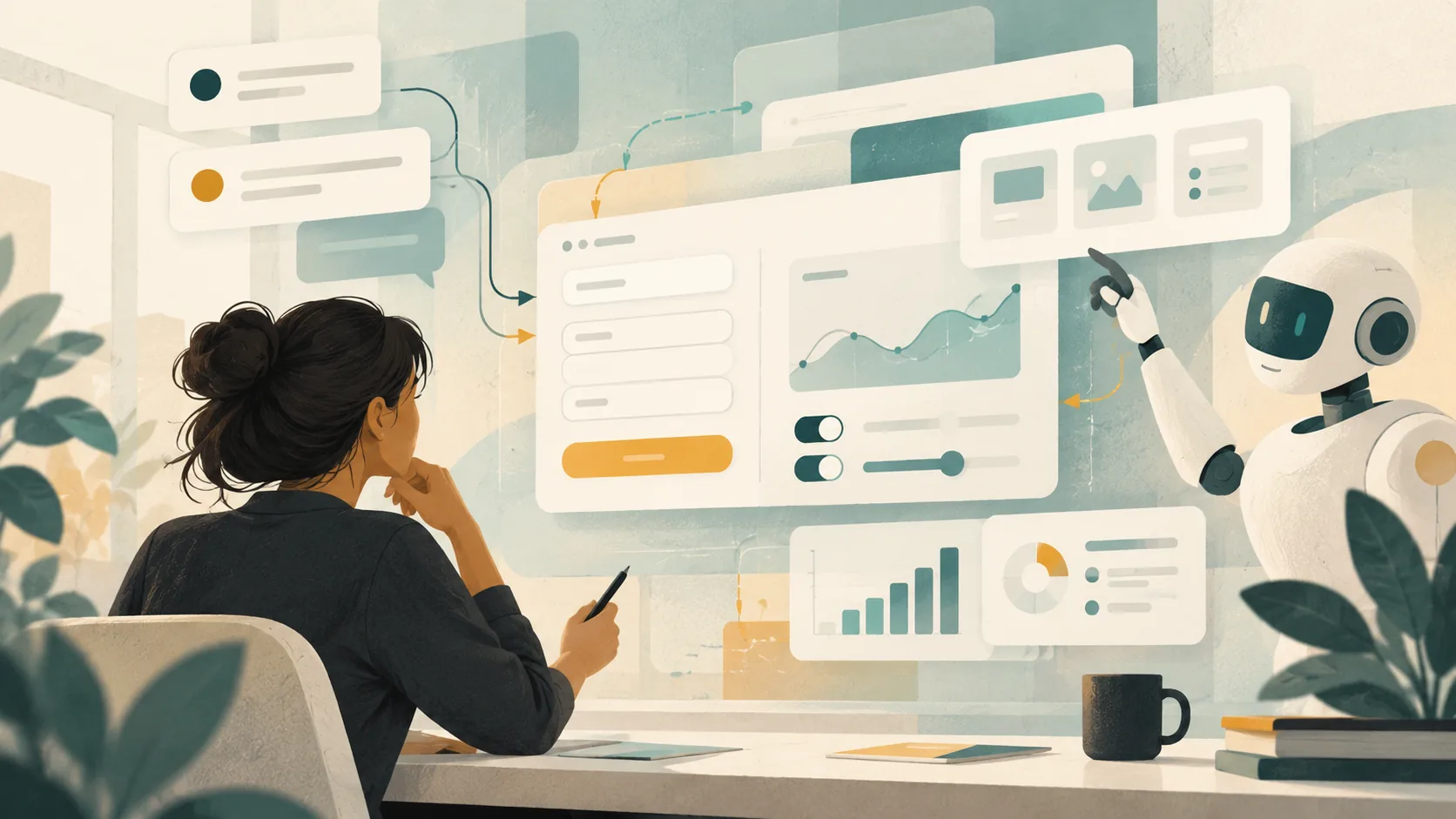
GPT-6’s new Intelligent UI points to a change in how people may use software: instead of receiving only an explanation, someone can ask for a small interface shaped around the task. That could be a form, a chart, or a simple tool built inside a conversation.
The interesting part is not that a model can draw a screen. It is that the screen can respond. For product and engineering teams, that makes the boundary between an answer and an application less fixed.
From describing a task to trying it
OpenAI says GPT-6 can combine text, visuals and interactive elements, including graphics, buttons, forms and charts. Its announcement shows examples such as a bill splitter and a savings calculator, and describes a library of native components that can be assembled progressively as a response is generated (OpenAI’s GPT-6 announcement).
That is a useful shift in the interaction model. A person comparing options may not need to translate an answer into a spreadsheet first; a team exploring a workflow may be able to try a lightweight version before deciding whether a permanent product feature is worth building.
This does not make product design disappear. It gives teams another way to make an idea tangible. The familiar questions still matter: who is this for, what decision should it help with, and what happens when someone makes an unexpected choice?
The prototype is not the product
A generated interface can make a promising idea feel more complete than it is. A polished chart does not prove its data is correct. A form that accepts input does not show that errors are handled safely. A calculator is only useful if its assumptions are visible and its outputs are dependable.
That is where engineering judgment becomes more important, not less. Before a generated tool becomes part of a real workflow, a team still needs to check its behavior, data handling, accessibility, edge cases and failure modes. If the interface influences a financial, health or operational decision, the standard for checking it should rise with the consequence of getting it wrong.
A small, disposable tool may be enough for exploration. A customer-facing workflow needs ownership, testing and a clear account of what it can and cannot do. Treating both as the same thing would create avoidable risk.
A better place to start
For teams, the practical opportunity is to shorten the distance between a question and something people can react to. Start with a narrow task and a clear measure of usefulness. Ask a few intended users to try it. Notice where the interface saves effort, where it creates confusion, and which assumptions need to become explicit.
Then decide whether the result should remain a one-off aid, become a prototype for further work, or be rebuilt as a supported product feature. That decision keeps the useful part of rapid generation while preserving the discipline that makes software dependable.
The teams that benefit most from interactive AI will not be the ones that produce the most screens. They will be the ones that can tell when a screen helps someone do real work—and can make it reliable when it matters.
This fits the way I think about product and engineering work: good tools should make the next step clearer for the people using them. You can read more about that practical focus in my work across product, engineering and teams.
Comments